01
Push-Pull Control Cable
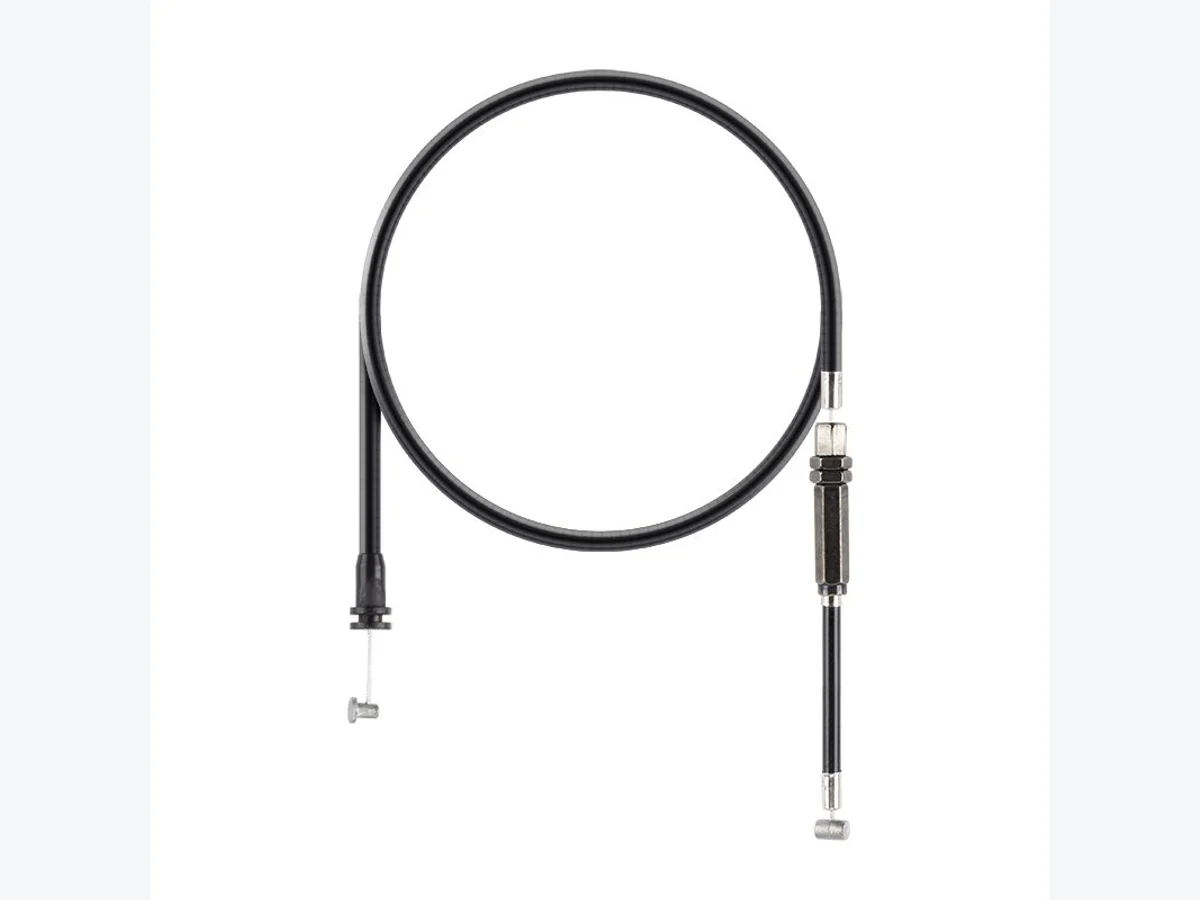
Review when movement needs to be considered in both directions.
Review product referenceMechanical control systems
Mechanical control cable design hub for Bowden, brake, throttle and push-pull cable assemblies used in routed control applications.
Request a Quote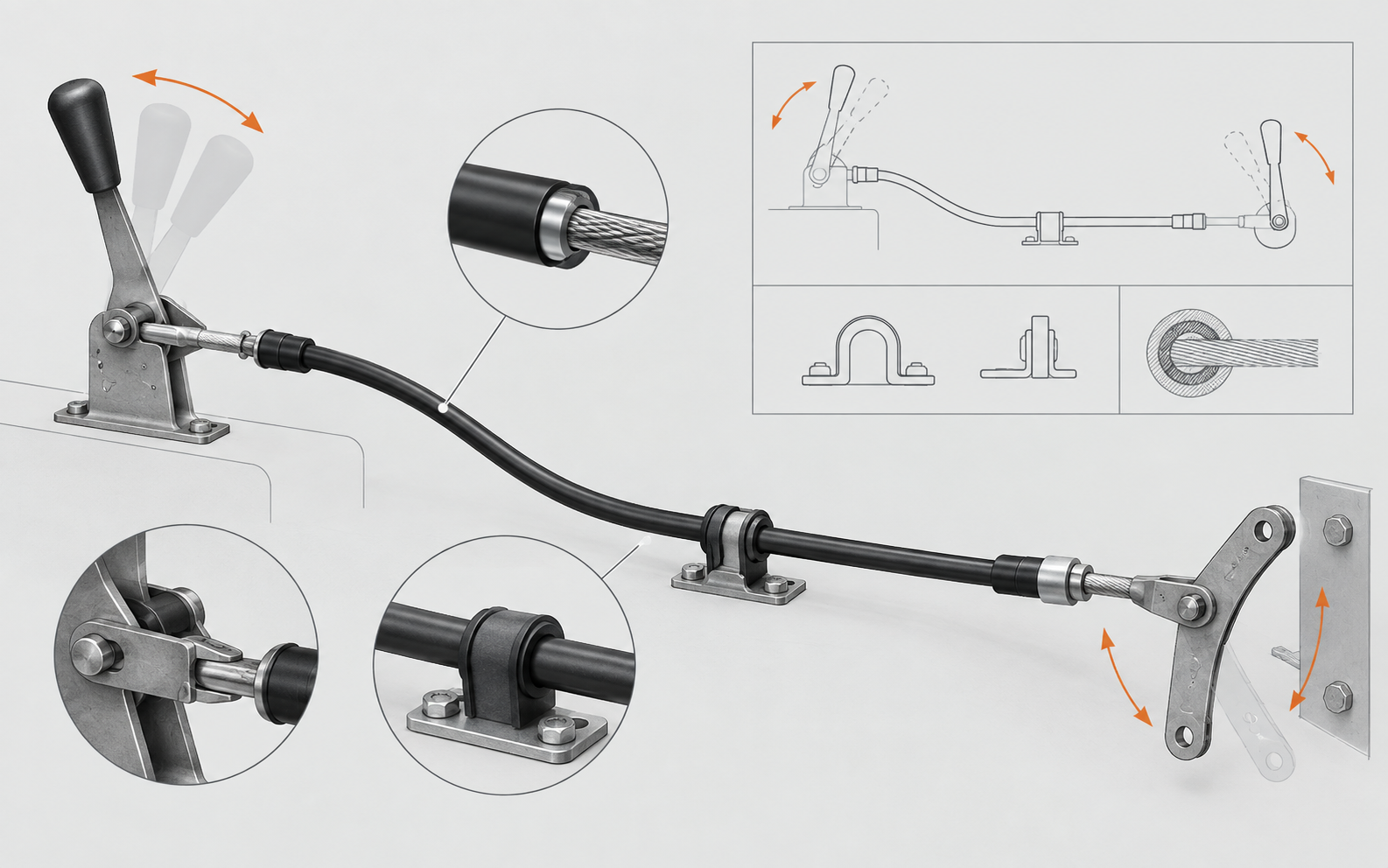 InputCable routeHousing supportOutput
Operating environment
A mechanical control cable is selected by how it is installed, moved and connected. The equipment interface and route should be understood before a cable family is compared.
Identify the mechanism, bracket or actuator receiving the cable.
Describe the direction of actuation, neutral position and stroke.
Mark housing support, mounting points and the tightest route area.
Route and motion
Use the route as the common language between the mechanism, the cable structure and the quotation review.
Actuation enters at the equipment interface.
The outer casing follows supported mounting points.
The moving element transfers motion through the housing.
The path and bend areas shape installation review.
Direction and project-dependent travel are confirmed in RFQ.
The terminal meets the receiving mechanism.
Reference only. Project-dependent travel, interface geometry and movement details are confirmed from drawings, samples or measured application notes.
Cable architecture
The inner cable, outer housing, casing ends and terminals work as one routed assembly. The useful question is not only what each part looks like, but where each part is supported and how it meets the equipment.
Interface and constraints
These are review fields, not fixed product specifications. Confirm the details that are known and mark the questions that remain open.
Product fit
Product pages provide reference points. The application route and interfaces determine which family should enter the RFQ discussion.
Review when movement needs to be considered in both directions.
Review product reference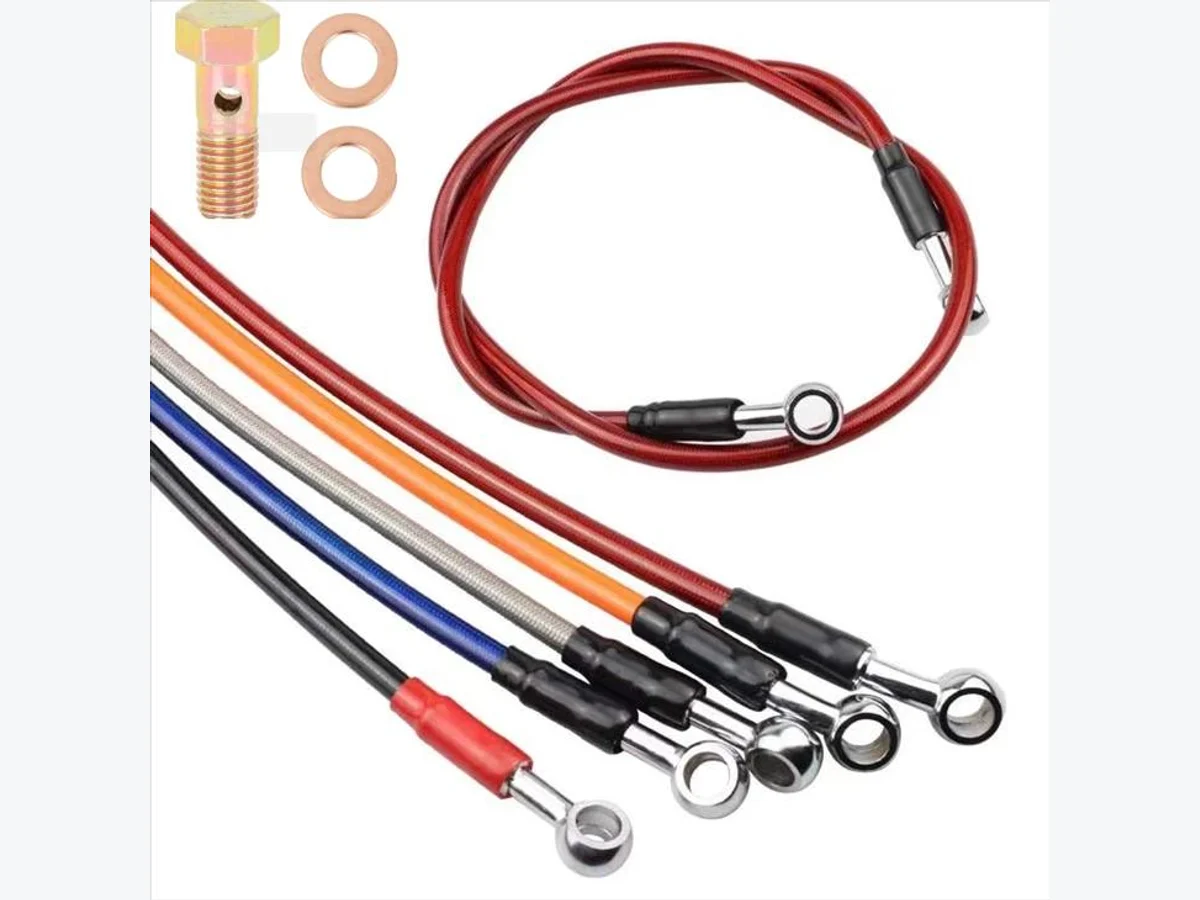
Review when an inner cable follows a supported flexible route.
Review product reference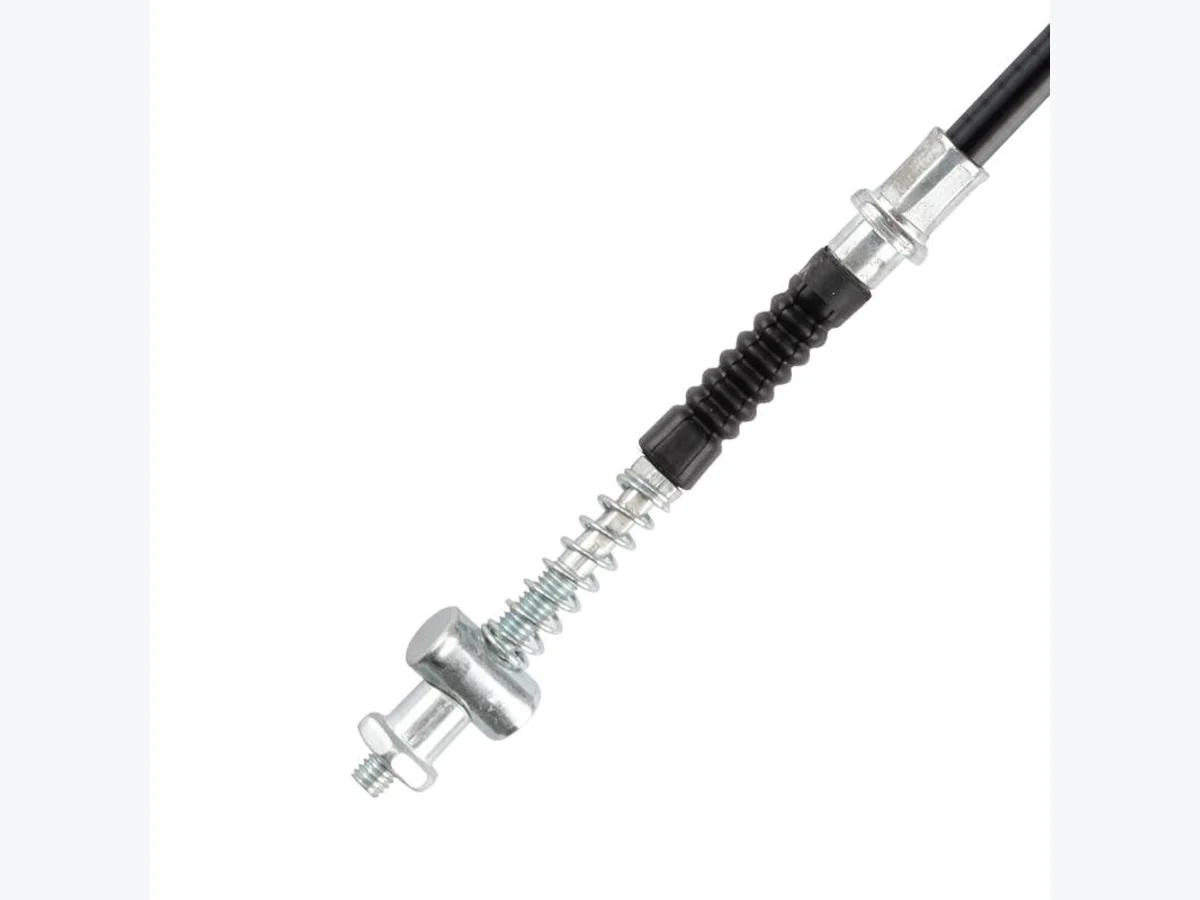
Review when the existing part is identified by a terminal or sample.
Review product referenceBuyer requirements
Send the confirmed details first. A drawing, used sample or clear photo can resolve interface questions that words alone may leave open.
See the RFQ pathEngineering chapters
Mechanical control cable design starts with routing, stroke, casing structure and end fitting compatibility. A control cable may need to transmit movement through a curved route while maintaining smooth operation and correct connection at both ends.
Gosor supports control cable buyers with custom Bowden cables, brake cables, throttle cables and push-pull cable assemblies based on drawings, samples or confirmed dimensions.
For custom control steel cable design, describe the mechanism, movement direction, installation constraint and mating interfaces first. The specification hub below then separates the dimensions that should be checked before an OEM quotation.
Treat a custom control steel cable design request as an application review rather than a fixed specification. Start with the mechanism and movement direction, then record the route, housing support points, cable reference lengths and both mating interfaces. This keeps mechanical control cables aligned with the equipment instead of selecting from a product name alone.
Before requesting a quotation, gather the current drawing revision or a measured sketch, photos of both terminals and the installed route, the required stroke or travel, and the quantity and packaging notes. Use the Mechanical Control Cable Routing Guide for route evidence, the Control Cable RFQ Checklist for OEM Buyers for the intake fields, and Drawing-Based Cable Assembly when a drawing defines the assembly.
For the commercial handoff, continue to Custom Mechanical Control Cables after the application, route and interface evidence are organized. Keep the existing Bowden Cable Assembly and Push Pull Control Cable pages as product references; the application page remains the route-and-interface owner for this query cluster.
Use this page as a starting point for a mechanical control cable RFQ. Identify the movement function first, then record the dimensions and interfaces that control how the assembly is routed and installed.
| Buyer checkpoint | What to confirm |
|---|---|
| Function | Push-pull, pull-only, brake, throttle, latch or another mechanical movement |
| Cable structure | Inner cable, outer housing or casing, exposed sections and support points |
| Movement | Stroke or travel, neutral position and direction of actuation |
| Geometry | Overall length, housing length, routing bends and mounting reference points |
| Terminals | End A, End B, casing ends, threads, eyes, clevises, barrels or adjusters |
| Evidence | Drawing revision, measured sketch, used sample and photos of the installed route |
For a product-specific checklist, compare Push Pull Control Cable Specifications with the Control Cable RFQ Checklist for OEM Buyers, then continue to Request a Quote.
Mechanical control cable projects should be described by function, route and interfaces. State whether the cable is pull-only, push-pull, brake, throttle, latch or another routed control. Then separate overall length, housing length, exposed inner cable and stroke. Close-up photos of the casing ends, adjusters, terminals and mating brackets help distinguish similar cable assemblies.
For OEM or replacement requests, compare Bowden Cable Assembly, Push Pull Control Cable and Control & Brake Cables. If a drawing is unavailable, send a measured sketch or used sample through Sample-Based Cable Matching and continue to the Request a Quote page.
When the application fit is understood, move to the Custom Mechanical Control Cables sourcing page for an OEM-facing review. Keep the application page focused on movement, route and interfaces; use the commercial route to organize drawing or sample evidence, terminal details, quantity and packaging before an RFQ.
Use a Bowden-style cable when a moving inner cable must follow a flexible housing route. Use a push-pull control cable when the assembly must be reviewed for movement in both directions, a neutral position and a defined stroke. The correct choice depends on the mechanism, casing support, mounting interfaces and terminal geometry, not on the keyword used in a purchase request. Compare the Push Pull Control Cable and Bowden Cable Assembly pages before selecting the RFQ path.
Record overall length and housing length separately. Also identify the exposed inner cable, the two movement reference points and the required stroke or travel distance. A simple route sketch should mark where the housing starts and ends, where the cable is anchored, and which direction the control moves. These reference points help a supplier review a custom control cable without assuming that two similar-looking assemblies share the same dimensions.
Photograph or draw both the inner cable terminals and the casing ends. Threaded terminals, eye ends, clevis-style connections, barrel ends, adjusters, bend tubes and end caps can change the installation path. Include the equipment-side bracket, lever or actuator when possible, together with the tightest bend area and any guide, pulley or mounting point.
A current drawing should show revision, length reference points, terminal orientation and mating interfaces. If the project starts from a used sample, provide full-cable photos, close-ups of both ends, a ruler or measured sketch, and notes about wear or missing parts. When no drawing exists, a labeled sketch plus application photos can still provide a useful starting point for Sample-Based Cable Matching.
Avoid sending only “mechanical control cable” without the movement function. Do not use overall length as a replacement for housing length or stroke, and do not photograph one terminal while omitting the other. If a sample is worn, mark which measurements are approximate. A clear distinction between confirmed details and buyer questions makes the RFQ easier to review.
Review Control & Brake Cables, Push Pull Control Cable, Bowden Cable Assembly and Drawing-Based Cable Assembly before sending a Request a Quote. For specification preparation, the Control Cable RFQ Checklist for OEM Buyers provides a practical companion guide.
FAQ
Short answers for buyers deciding what to include before an application-led RFQ.
It is a routed cable assembly in which an inner cable and outer housing transfer mechanical movement between defined equipment interfaces.
Suitable product types depend on the cable function, route, connection method, fitting style and application environment.
Provide product family, dimensions, end fittings, application notes, quantity and drawings, samples or photos if available.
Review cable diameter, length, coating, end connection, routing, packaging and any fitting compatibility requirements.
Samples or drawings are useful when replacing an existing part or when the fitting interface is not easy to describe in written form.
Material and coating choices are reviewed according to confirmed dimensions, fittings, environment and application requirements without assuming unconfirmed performance claims.
Request a technical review
Send your control cable sample, drawing or routing details to [email protected].